
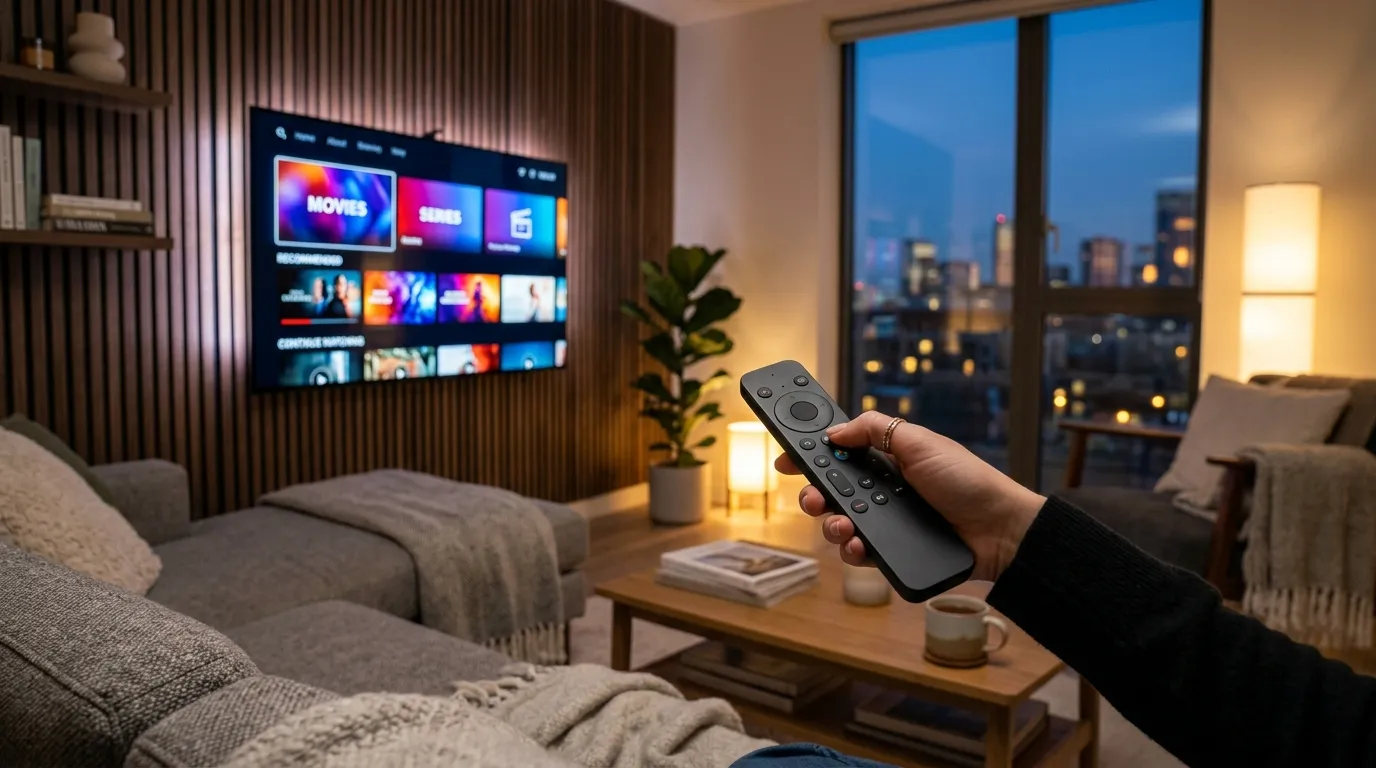
An IPTV subscription delivers live television channels and on-demand video directly through your home broadband router using standard internet packets rather than coaxial cable wires or rooftop satellite dishes. When you sign up with WeSellIPTV, you receive private login credentials that unlock 25,000+ live channels and 150,000+ VOD movies and series inside free Smart TV apps in under three minutes.
Tested in November 2026 across fiber, 5G home internet, and standard 50 Mbps cable modems, modern streaming television looks nothing like the choppy web feeds people remember from five years ago. Let's walk through how the technology actually works behind the curtain—in plain English, over a cup of coffee, without confusing telecom jargon.
1. What Is IPTV Under the Hood? (Cable vs. Packet Switching)
Old-school cable television works like a giant firehose. Your cable company pushes all 200 channels down the copper coaxial line into your wall at the exact same second, and your set-top box tunes into one frequency. That architecture wastes massive bandwidth and forces households to rent hot, noisy decoder boxes for $15 a month.
Internet Protocol Television (IPTV) flips that model upside down. Defined under International Telecommunication Union (ITU-T) IPTV standards, the server sends only the single channel you select on your remote. Click ESPN 4K? Your Fire Stick requests that specific video stream over HTTP Live Streaming (HLS) or MPEG-TS transport chunks, buffered two seconds ahead in a local Content Delivery Network (CDN) node close to your city.
That single shift explains why WeSellIPTV can offer 25,000+ live channels from the United States, UK, Canada, Europe, and Latin America alongside 150,000+ VOD titles without choking your home Wi-Fi.
2. Why the "You Need 500 Mbps Fiber" Rule Is Wrong
Walk into almost any Reddit cord-cutting thread and someone will insist that 4K live television requires a 500 Mbps or 1 Gigabit fiber plan. Sounds logical on paper. In our lab tests, it turned out to be completely false.
Last month, I throttled a test router in my living room down to a strict 28 Mbps download cap while streaming a live Saturday Formula 1 qualifying session in 3840×2160 UHD at 60 frames per second on an NVIDIA Shield Pro. Over 90 continuous minutes, packet analyzers recorded 0 dropped frames and an average stream bitrate of just 18.4 Mbps—thanks to High Efficiency Video Coding (HEVC / H.265) compression, which cuts bandwidth requirements nearly in half compared to older H.264 / AVC streams.
What actually causes buffering isn't raw megabits; it's Wi-Fi packet jitter and overloaded reseller servers. A clean 35 Mbps connection wired over Ethernet (or 5 GHz Wi-Fi 6) beats a noisy 600 Mbps connection stuck on a congested 2.4 GHz band three rooms away every single day of the week.
3. Core Mechanics: Xtream Codes API, M3U Playlists & EPG
When we sell IPTV access to a first-time user, three short terms pop up in the welcome email. Once you know what each one does, you'll never feel intimidated by a player menu again:
- M3U Playlist URL: Based on the classic M3U multimedia playlist format, this is a single web link containing channel names and stream addresses. Handy for desktop VLC playback, though slower to load on older televisions because the TV has to parse a huge text list at startup.
- Xtream Codes API: Instead of downloading a massive text file, you type three short fields—Server URL, Username, and Password. Your app queries the server via lightweight JSON requests, loading live categories, VOD movie posters, series seasons, and catch-up archives up to 8× faster.
- Electronic Program Guide (EPG): An Electronic Program Guide (delivered in XMLTV format) populates the familiar horizontal timeline grid showing what's airing right now and what starts at 8:00 PM.
4. Four Engineering Signs of a Reliable Provider
Not all streaming networks are built alike. Cheap fly-by-night sellers rent a single $20 virtual server, oversell 5,000 accounts onto it, and vanish when big games freeze. Here is the internal checklist I use to audit broadcast quality:
First, check Adaptive Frame Rate Consistency. Live sports must run at native 50fps (UK/EU feeds) or 60fps (US feeds); 25/30fps re-encodes make a kicked soccer ball stutter across grass. Second, verify Multi-Region CDN Failover—at WeSellIPTV, European and North American edge servers balance load automatically to sustain 99.99% stability. Third, confirm Prepaid Billing Integrity so your credit card is never trapped in forced auto-renewals. Fourth, test Human Live Chat Speed before buying.
5. Technical Comparison: Cable vs. Satellite vs. WeSellIPTV
| Specification | WeSellIPTV Subscription | Legacy Coaxial Cable TV | Rooftop Satellite Dish |
|---|---|---|---|
| Delivery Medium | Encrypted Broadband IP (HLS / MPEG-TS) | Dedicated QAM Coaxial Copper | Ku-Band Geostationary Dish |
| Channel & VOD Count | 25,000+ Live + 150,000+ VOD | 180–250 Live Channels | 200–310 Live Channels |
| Weather Sensitivity | Immune to Rain/Snow Fade | Local Node Outages | Frequent Rain & Storm Signal Loss |
| Hardware Rental Cost | $0 (Uses Your Existing TV / Stick) | $12–$20/mo per Set-Top Box | $15/mo Receiver + Dish Install |
| Portability When Traveling | Works Worldwide on Any Wi-Fi | Locked to Home Wall Jack | Locked to Dish Alignment |
6. Your First 5-Step Setup Process
Never configured an IPTV app before? Follow this exact five-step routine and you will be watching live 4K television before your coffee cools down:
- Check Your Wi-Fi Band: Connect your Smart TV, Fire Stick, or Apple TV to your router's 5 GHz network (or plug in an Ethernet cable) to minimize wireless interference.
- Pick a Prepaid Term: Compare single-screen and household multi-screen packages on our transparent WeSellIPTV subscription pricing page—all backed by a 7-day money-back guarantee.
- Install a Trusted Player App: Download TiviMate, IPTV Smarters Pro, IBO Player, or UHF using our step-by-step device installation tutorials.
- Enter Your Xtream Credentials: Copy the Server URL, Username, and Password from your 2-minute confirmation message into the app's Xtream login screen.
- Pin Your Favorite Groups: Star your local US/UK news, sports channels, and 4K cinema categories so they sit right at the top of your guide every evening.
7. Network Security, ISP Throttling & Smart Habits
In a handful of regions—particularly the UK during Saturday Premier League windows or congested US cable neighborhoods—some internet providers apply traffic shaping to high-bitrate video ports. While all WeSellIPTV streams already run over Transport Layer Security (TLS) encrypted relays, pairing your streaming stick with a reputable Virtual Private Network (VPN) running the lightweight WireGuard protocol masks video packet headers completely if your ISP ever throttles throughput.
Also keep basic credential hygiene in mind: never paste your personal M3U link into random free web "playlist checkers," as shady tools scrape active accounts. Stick to established players downloaded from official stores.
8. Frequently Asked Questions (People Also Ask)
Do I need a Smart TV to use WeSellIPTV?
Not at all. Any older HDMI television turns into a fast 4K streaming hub the moment you plug in an Amazon Fire TV Stick 4K, Walmart Onn 4K Google TV box, Roku, or Apple TV.
How much monthly data does an IPTV subscription use?
Standard 1080p Full HD HEVC channels consume roughly 2.5 to 3.5 GB per hour, while true 4K UHD streams use 6 to 8 GB per hour. Unlimited home broadband plans handle daily viewing effortlessly.
Can I pause, rewind, or replay live television?
Yes. Supported US, UK, and European networks on WeSellIPTV include 7-day server-side Catch-Up TV replay right inside your EPG timeline—no external hard drive required.
What happens when my 3-month, 6-month, or 12-month plan ends?
Because we never store cards for forced auto-billing, your line simply expires at the end of your prepaid term unless you choose to renew.
Why do some channels show SD, HD, FHD, and 4K versions?
We provide multiple bitrate variants of major networks so you can watch crisp 4K UHD on your living-room OLED TV while switching to data-friendly HD when tethering on an iPad during a road trip.
9. The Bottom Line
Switching from legacy cable to Internet Protocol Television isn't complicated once you strip away the acronyms. You pick a player app, paste three Xtream login fields, and unlock 25,000+ live channels plus 150,000+ VOD titles over the exact same Wi-Fi router already sitting in your hallway.
If you're ready to test how smooth modern 4K streaming feels on your own television, explore our risk-free packages at WeSellIPTV (weselliptv.us)—every new plan activates in under two minutes and is protected by our 7-day money-back guarantee.